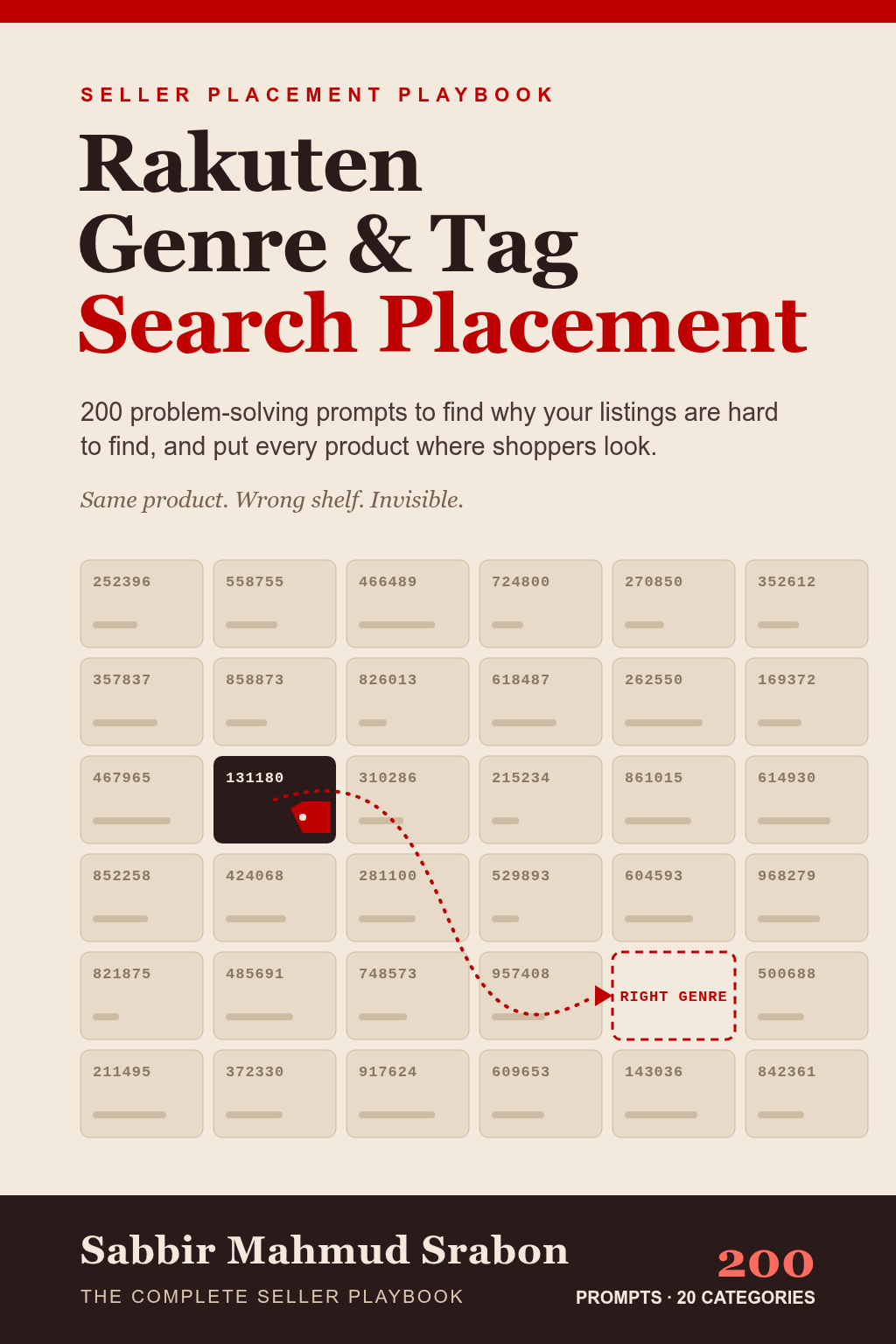
Rakuten Genre & Tag Search Placement: The Complete Seller Playbook
Private seller-visibility program · Interactive book + Placement Command Center
Not merely a book to read: a working system for finding why your Rakuten listings are hard to find, adding your shop details, and producing the diagnosis, correction plan and monitoring habits you need.
- Find out whether genre or tag placement is the real cause before you change anything.
- Fill in your own products, genres and tags once and reuse them across all 200 prompts.
- Copy personalized prompts in one click and review every draft against your own RMS data.
Available in multiple languagesSee in which languages this book is available
You may get the book in any language you prefer, including your mother tongue.
 Abkhazian (Abkhaz)
 Acehnese
 Acoli (Acholi)
 Afrikaans
 Akan (Twi)alz (Alur)
 አማርኛ (Amharic)
 العربية (Arabic)
 অসমীয়া (Assamese)Awadhi
 Aymara
 azərbaycan (Azerbaijani)
 башҡорт (Bashkir)BalineseBatak Toba
 беларуская (Belarusian)
 Ichibemba (Bemba)Betawi
 български (Bulgarian)भोजपुरी (Bhojpuri)
 Bikol
Bikol bamanakan (Bambara)
 বাংলা (Bengali)
 brezhoneg (Breton)
 bosanski (Bosnian)bts (Batak Simalungun)btx (Batak Karo)буряад (Buryat)
 català (Catalan)CebuanoRukiga (Kiga)Mari (Meadow Mari)
 کوردیی ناوەندی (Kurdish (Sorani))
 cnh (Hakha Chin)Corsican
 Crimean Tatar
 Seselwa Creole French (Seychellois Creole)
 čeština (Czech)чӑваш чӗлхи (Chuvash)
 Cymraeg (Welsh)
 dansk (Danish)
 Deutsch (German)
 Dinkaडोगरी (Dogri)dov (Dombe)
 Divehi (Dhivehi)
 རྫོང་ཁ (Dzongkha)
 eʋegbe (Ewe)
 Ελληνικά (Greek)
 English
 Esperantoespañol (Spanish)
 eesti (Estonian)euskara (Basque)
 فارسی (Persian)
 Pulaar (Fulani)
 suomi (Finnish)Filipino
 Fijianfrançais (French)
 français (Canada) (French (Canada))
 Frysk (Frisian)
 Gaeilge (Irish)Gã (Ga)Gàidhlig (Scots Gaelic)galego (Galician)
 Guaraniकोंकणी (Konkani)ગુજરાતી (Gujarati)
 HausaʻŌlelo Hawaiʻi (Hawaiian)
 עברית (Hebrew)हिन्दी (Hindi)HiligaynonHmong
 hrvatski (Croatian)hrx (Hunsrik)
 Haitian Creole
 magyar (Hungarian)
 հայերեն (Armenian)Indonesia (Indonesian)IgboIloko (Ilocano)
 íslenska (Icelandic)
 italiano (Italian)עברית (Hebrew)
 日本語 (Japanese)Jawa (Javanese)Jawa (Javanese)ქართული (Georgian)
 қазақ тілі (Kazakh)
 ខ្មែរ (Khmer)ಕನ್ನಡ (Kannada)
 한국어 (Korean)
 Krio
Krio ktu (Kituba)
 kurdî (kurmancî) (Kurdish (Kurmanji))
 кыргызча (Kyrgyz)
 Latin
Latin Lëtzebuergesch (Luxembourgish)Luganda
 Limburgishligure (Ligurian)Lombardlingála (Lingala)
 ລາວ (Lao)
 lietuvių (Lithuanian)
 Latgalian
 Dholuo (Luo)Mizolatviešu (Latvian)मैथिली (Maithili)Makasar (Makassar)
 Malagasy
 Māori (Maori)Minangkabau (Minang)
 македонски (Macedonian)മലയാളം (Malayalam)
 монгол (Mongolian)মৈতৈলোন্ (মীতৈ ময়েক) (Meiteilon (Manipuri))मराठी (Marathi)
 Melayu (Malay)Melayu (Arab) (Malay (Jawi))
 Malti (Maltese)
 မြန်မာ (Myanmar (Burmese))
 नेपाली (Nepali)Newari (Nepalbhasa (Newari))Nederlands (Dutch)
 norsk (Norwegian)South Ndebele (Ndebele (South))Sesotho sa Leboa (Sepedi)Thok Nath (Nuer)
 Nyanja (Chichewa)occitanOromoo (Oromo)ଓଡ଼ିଆ (Odia (Oriya))ਪੰਜਾਬੀ (Punjabi (Gurmukhi))
 پنجابی (عربی) (Punjabi (Shahmukhi))PangasinanPampanga (Kapampangan)
 Papiamento
 polski (Polish)
 پښتو (Pashto)
 português (Portuguese (Brazil))português (Portugal) (Portuguese (Portugal))
 Runasimi (Quechua)
 Ikirundi (Rundi)
 română (Romanian)Romany (Romani)русский (Russian)
 Ikinyarwanda (Kinyarwanda)संस्कृत भाषा (Sanskrit)sicilianu (Sicilian)سنڌي (Sindhi)
 Sängö (Sango)တႆး (Shan)
 සිංහල (Sinhala)
 slovenčina (Slovak)
 slovenščina (Slovenian)
 Samoan
 chiShona (Shona)
 Soomaali (Somali)
 shqip (Albanian)
 српски (Serbian)
 SwatiSesothoBasa Sunda (Sundanese)
 svenska (Swedish)
 Kiswahili (Swahili)ślōnski (Silesian)தமிழ் (Tamil)తెలుగు (Telugu)
 Tetum
Tetum тоҷикӣ (Tajik)
 ไทย (Thai)
 ትግርኛ (Tigrinya)
 türkmen dili (Turkmen)Filipino
 Setswana (Tswana)Türkçe (Turkish)Tsongaтатар (Tatar)ئۇيغۇرچە (Uyghur)українська (Ukrainian)اردو (Urdu)
 o‘zbek (Uzbek)
 Tiếng Việt (Vietnamese)IsiXhosa (Xhosa)ייִדיש (Yiddish)Èdè Yorùbá (Yoruba)
 yua (Yucatec Maya)
 粵語 (Cantonese)中文 (Chinese (Simplified))中文(中国) (Chinese (Simplified))
 中文(台灣) (Chinese (Traditional))isiZulu (Zulu)
 No matching language found.
What makes it different
More than an eBook. Your private placement program.
Move from listings nobody finds to a clear, honest plan that fixes the real cause.
1Find the causeIdentify whether genre, tags or something else hides the listing.
2Add your catalogReplace guided variables with your own products and tags.
3Personalize and copyTurn the framework into a ready-to-use prompt in one click.
4Work through every stagePlace, tag, recover and scale — all in one place.
Both experiences are included: use the live Placement Command Center to complete the work, and request the traditional digital PDF book through email whenever you want it.
Synopsis
When a Rakuten listing is hard to find, the cause is rarely obvious. It might sit in the wrong genre, carry weak or inconsistent tags, or have slipped after a catalog or taxonomy change — and many sellers are left guessing while visits fade.
This playbook turns that problem into a structured program. Inside its Placement Command Center, Rakuten sellers can enter their products, genres and tags once, choose the stage they are in, and personalize prompts that help them diagnose misplacement, choose genres, align tags, recover after a drop and keep the catalog healthy.
See more
Your purchase includes both the reusable interactive workspace and the complete digital book, which you can request as a PDF through email.
The 20 categories run from diagnosing genre misclassification and choosing tags, through benchmarking, seasonal tagging and post-update audits, to recovery, cross-listing, bundles and full-catalog drift audits. The book is educational: it is not affiliated with Rakuten, and it does not promise that any listing will rank or any outcome be achieved.
About this book
Book details
InteractiveFormatRakutenPlatformInstantAccess
- Author
- Sabbir Mahmud Srabon
- Publisher
- The Prompt Powerhouse
- PSBN
- PSBN-32058-1123-5879
- Workspace
- Complete private Placement Command Center included
- Delivery
- Interactive account access plus PDF by email on request
- Purchase
- One-time complete-program ownership
Languages
You may get the book in any language you prefer, including your mother tongue.
See the full language availability near the book titleWhat is a Magical Workspace?
1
Choose your situationOpen the stage closest to where you are: diagnose, place, tag, recover or scale.
2
Add your shop detailsEnter your products, genres and tags once; they fill every prompt.
3
Review and copyCheck the personalized prompt, then take it to your AI tool in one click.
4
Keep your recordsSave genres, tags, dates and answers as you go.
Explore this book before purchasing
The 20 categories inside the playbook
Diagnosing Genre MisclassificationTag-Selection Strategy for Cross-Genre DiscoverabilityGenre-Level Ranking BenchmarkingNew-Product Genre Placement Decision ProcessSeasonal Tag OptimizationAuditing Placement After a Taxonomy UpdateUsing Item-Ranking Data to Guide MerchandisingBroad vs. Niche Genre Placement TradeoffsFixing a Sudden Ranking Drop Within a GenreMulti-Variant Product Genre/Tag ConsistencyGenre-Specific Keyword-to-Tag AlignmentCompetitive Genre Saturation AnalysisCross-Listing a Product in Multiple Eligible GenresTag Depth vs. Tag Relevance TradeoffsGenre Placement Strategy for a Brand-New Product CategoryRecovering Visibility After a Genre Reclassification PenaltyTag-Driven Bundle/Set DiscoverabilityGenre Ranking Seasonality PatternsUsing Genre Search API Data for Assortment PlanningAuditing Full Catalog for Tag/Genre Drift Over Time
How to read and use
Purchase the complete book or begin with the seven-day membership trial. Open the workspace from your TPP account, choose a language and problem, personalize the marked variables, then copy the prompt or request delivery to your email.
Ready to work on your Rakuten search visibility?
Get the complete private program, interactive book, Placement Command Center, and optional emailed PDF.
$1390Buy Now
Research this book before purchasing
The sales page stays focused. These connected guides explain the genre and tag placement problem, how to follow a placement workflow, and how the Placement Command Center turns the book into a usable program.
Complete book overviewCoverage, formats, workspace and related resources.Diagnose Rakuten genre misclassificationFind out whether placement is why your listings are hard to find.A genre and tag optimization workflowThe ordered route from diagnosis to measured action.How Rakuten genre and tag structure worksWhy placement matters and what is not the cause.Why Rakuten search differs from Amazon searchOptions, trade-offs and decision logic.