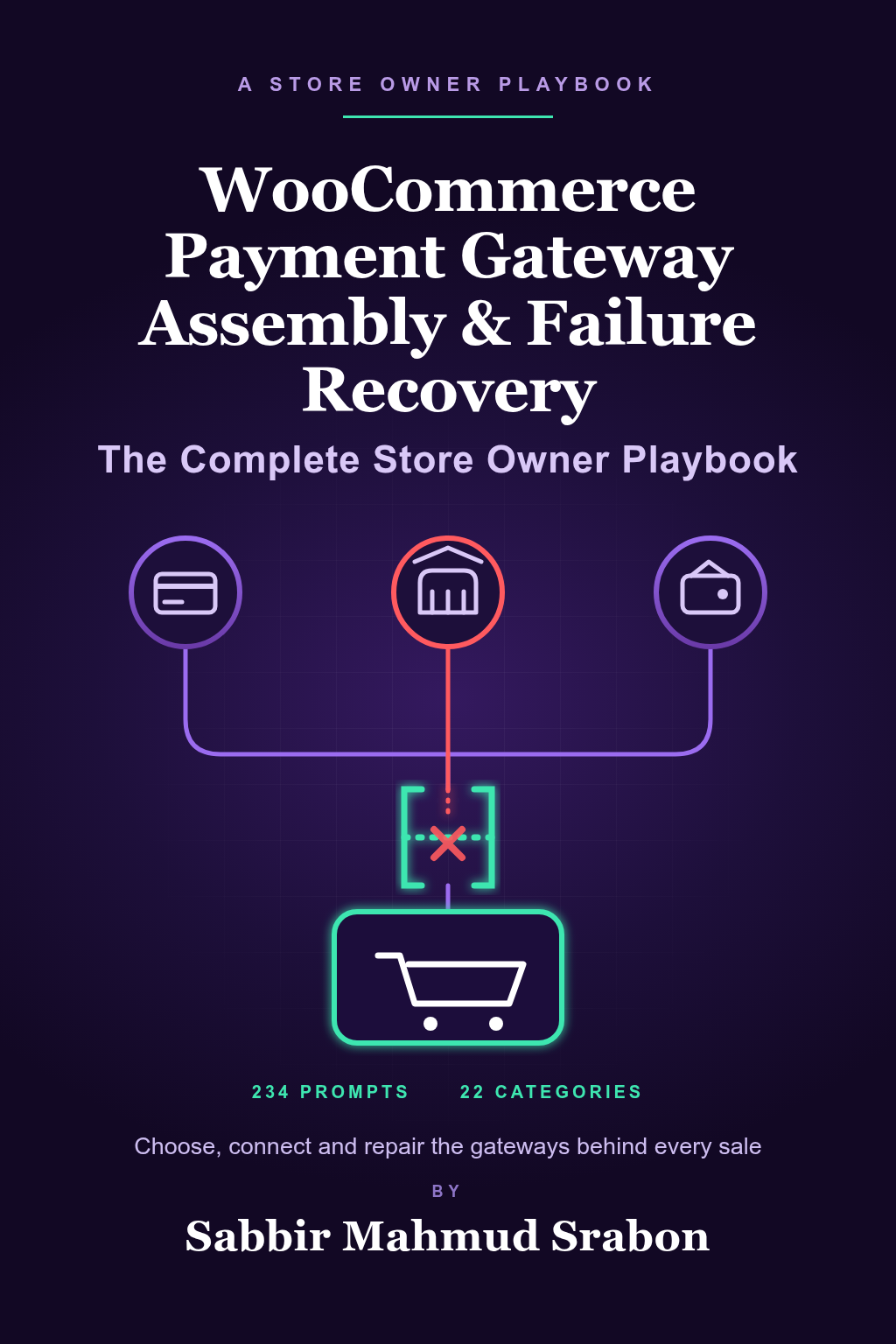
What this book actually is
This is an interactive problem-solving program presented as a complete digital book. Its pages explain what to do at each stage of a WooCommerce payment gateway project, and its Payment Gateway Command Center lets you enter your store's facts once and reuse them across every prompt. There are 234 prompts in 22 categories, each written in your own first-person voice so you can paste it into an AI assistant and get a comparison, a diagnosis, a checklist or a test plan.
A payment gateway, in WooCommerce terms, is a plugin that connects your checkout to a payment provider. Most store owners meet three families of problems: picking the right gateways for their country and products, setting them up without breaking checkout, and working out what went wrong when payments fail, duplicate or do not reconcile. The playbook follows that order.
Who it is built for
WooCommerce store owners, operators and the freelancers or agencies who run payments for them: physical-goods shops, digital-download sellers, subscription stores, marketplaces and stores that sell in several currencies. It assumes you can open your WooCommerce settings and your gateway dashboards, but it does not assume you write code. If a prompt needs a log excerpt or an error message, it tells you what to copy and what to mask.
It is also useful if you are about to hire a developer or contact a payment provider: working through the relevant prompts first gives you a clear, factual description of your problem, which usually saves time on both sides.
The problem map: five stages, 22 categories
The 22 category names below are public; the prompts themselves are only available inside the purchased book.
- Choose. Choosing a gateway stack for a specific business model; comparing WooPayments, Stripe and PayPal Payments; handling currency-specific gateway limitations; auditing gateway fees across providers; configuring a gateway for a high-risk product category.
- Connect. Handling SCA and 3D Secure requirements; migrating from one gateway to another without downtime; troubleshooting WooPayments onboarding failures; setting up subscription-compatible recurring payment gateways; setting up buy-now-pay-later options correctly; testing gateways in sandbox mode before going live; managing multiple gateways for a marketplace or multivendor store.
- Diagnose. Diagnosing failed and declined transactions; reconciling payouts across multiple gateways; diagnosing duplicate or double-charged orders; debugging webhook failures between gateway and store; troubleshooting gateway conflicts with Checkout blocks.
- Recover. Handling gateway-specific refund and dispute workflows; handling chargebacks and gateway-specific evidence submission.
- Protect. Setting up a fallback or secondary gateway strategy; handling fraud screening configuration per gateway; monitoring gateway uptime and failover readiness.
How the Command Center works
Instead of retyping your store details into every prompt, you enter them once in the workspace: your business country, shipping regions, checkout type, active gateways, currencies and typical order values. Each detail becomes a highlighted variable that fills every prompt that needs it. You choose a stage, open the category closest to your problem, copy the personalized prompt and review the AI's answer against your own dashboards. The workspace personalization guide walks through this step by step.
Your purchase includes the interactive workspace and the complete 268-page digital book, which you can request as a PDF by email.
Where most people should start
If you have not chosen a gateway yet, start with how to choose a primary gateway for your business model. If payments are failing right now, the gateway failure recovery workflow gives you an ordered route from symptom to measured action. If you want the background first, read how WooCommerce payment gateways differ and why WooCommerce payments fail at checkout.
What it will not do
It will not tell you which provider will approve your account, guarantee that a payment will succeed, lower your fees or win a dispute. Providers decide those things using their own criteria. It does not replace the documentation and support of WooCommerce, your hosting company or your payment provider, and it is not legal, tax, security-audit or financial advice. What it does is help you ask better questions, gather the right evidence and work in a sensible order.
Built to stay honest as WooCommerce changes
WooCommerce core, WooPayments, the Stripe and PayPal extensions, the Checkout block and High-Performance Order Storage all change between releases. This edition was prepared against the WooCommerce 11.1 series and written so that prompts ask you for your current settings and the provider's current documentation rather than assuming a fixed screen or fee. The book is reviewed on a 90-day cycle, and the official sources used are listed at the bottom of this page.
Ready to buy? See the complete book and price.
Frequently asked questions
Does this book guarantee that my payments will succeed or my gateway account will be approved?
No. Payment providers decide approvals, limits and disputes using their own criteria, which they may change. The book helps you prepare, diagnose and document, but it cannot promise any outcome.
Is the book affiliated with WooCommerce or any payment provider?
No. The Prompt Powerhouse is independent of WooCommerce, Automattic, WordPress, Stripe and PayPal. The book is educational and is not legal, tax, security-audit or financial advice.
Does it work with the Checkout block and with the classic shortcode checkout?
Yes. Many prompts ask which checkout type you use and tailor the diagnosis to it. One whole category is dedicated to conflicts between gateways and the Checkout block.
Do I need to know how to code?
No. The prompts tell you which settings, order notes and log excerpts to collect, and how to mask sensitive values before pasting anything into an AI tool.
What do I receive when I buy?
Private access to the Payment Gateway Command Center with all 234 prompts, plus the complete digital book, which you can have emailed to you as a PDF.
Can I try before I buy?
Members can preview part of the book before purchasing, and membership can be tried free for seven days. The sales page explains the details.
Sources and verification
WooCommerce, its extensions, WordPress and payment providers change their features, countries, fees and screens from release to release. The statements in this guide reflect what WooCommerce and the providers published when it was last reviewed on 4 October 2026, against the WooCommerce 11.1 series, and may change. Check the current pages below before you act, and never test changes on a live store without a backup.
Educational guide only. Not legal, tax, security-audit or financial advice. The Prompt Powerhouse is independent of, and not affiliated with or endorsed by, WooCommerce, Automattic or WordPress. No payment, approval, fee or dispute outcome is guaranteed.