Member Areas or Member Sites? Same feature, two names
Squarespace's Help Center currently documents this feature as Member Sites (the guide was last updated in April 2026). Many creators, tutorials and search queries still say Member Areas, and this book uses that phrase because it is what most people type. In this book, Member Areas and Member Sites mean the same thing: pages hidden behind a paywall that only people on a pricing plan can open. Squarespace may rename or reshape the feature again, so check the Help Center for the current name and steps.
According to Squarespace Help, building a member site is free but you need a website plan to sell memberships, and members are managed in the Contacts panel under Lists & Segments.
What this book actually is
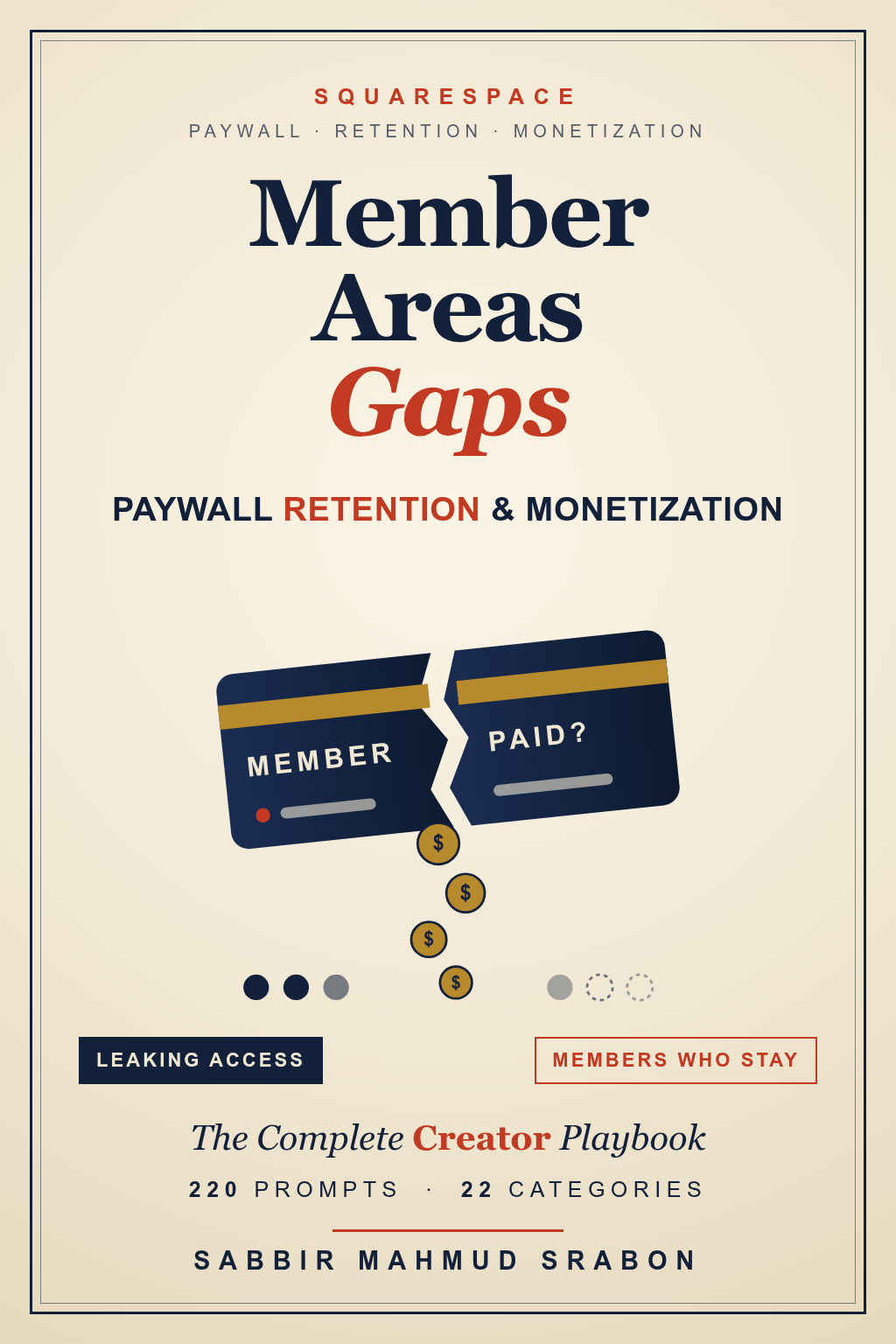
This is an interactive problem-solving program presented as a complete digital book. It contains 220 prompts in 22 categories, each written in your own first-person voice so you can paste it into an AI assistant and get an audit, a plan, a tracking sheet or a message to your members. The Member Areas Command Center lets you enter the facts of your membership once (plans, prices, gated pages, member counts, payment setup) and reuse them across every prompt.
In Squarespace terms, a pricing plan is the fee a customer pays for access to digital products; adding a course, videos page, monetized blog or member site to a plan puts it behind a paywall, and a visitor who buys the plan creates an account and becomes a member of the site, according to Squarespace Help. Most of the expensive problems appear where plans, pages and payments meet: a page that sits in no plan, a plan that was changed or deleted, a payment that failed while access stayed on.
Who it is built for
It is written for creators, coaches, course sellers, newsletter writers and small teams who run, or are about to start, a paid membership inside Squarespace. You do not need to write code. Where a step needs a decision from Squarespace support or from a developer, the prompt says so and helps you write a clear message.
If you have not launched yet, the book helps you design plans and gating before the first member joins. If you already have members, it helps you audit what you have before you change anything.
The problem map: five stages, 22 categories
The 22 categories are grouped by the stage of the work they most often serve. Every category has 10 prompts. Category names are shown here; the prompts themselves stay inside the book.
Secure
Find and close the routes that give away paid content or let unpaid accounts in.
- Closing the Free-Account-Without-Payment Loophole
- Preventing Content Leakage or Screenshotting From Gated Pages
- Auditing Gated Page Structure for Accidental Public Leaks
Design
Build plans, tiers, prices and gating that match what you sell and how Member Areas works.
- Designing a Gating Structure That Matches Pricing Tiers
- Planning Around the Fixed-Price, No-Increase Recurring Billing Constraint
- Mixing Free vs. Paid Gated Content Strategically
- Structuring Multiple Membership Tiers Within One Member Area
- Bundling Courses With Member Area Access
- Pricing Strategy Given the Fixed-Recurring-Price Constraint
Grow
Bring in the right members and start them well, through lists, trials, launches and migration.
- Member Onboarding Sequences Within Member Areas’ Constraints
- Migrating an Existing Mailing List Into a Paid Member Area
- Free Trials, Limited-Time Access and Converting Trial Members to Paid
- Setting Up Member-Only Community or Discussion Spaces
- Migrating From a Third-Party Membership Platform to Member Areas
- Seasonal or Cohort-Based Membership Launch Planning
Retain
Recover failed payments, win back lapsed members and handle refunds fairly.
- Recovering Churned or Failed-Payment Members
- Win-Back Campaigns for Lapsed or Canceled Members
- Handling Refund Requests and Access Revocation
Measure
Track, report and decide with the numbers you can actually get.
- Building Manual Signup/Cancellation Tracking Since Native Analytics Won’t
- Reporting Membership Revenue Manually for Bookkeeping
- Member Engagement Tracking Without Native Analytics
- Deciding When Member Areas Is Enough vs. Needing a Dedicated Platform
A worked example (invented numbers)
Imagine a creator with three plans: a free newsletter plan, a monthly plan and a yearly plan, and 120 paying members. She suspects free members can open a lesson that should be paid. In the workspace she enters her plan names, prices and member counts once. The Secure-stage prompt then helps her list every gated page against its plan, test as a visitor and as a free member, and write a leak log. The numbers here are made up to show the method; your own results will differ.
| Step | What she records | Why it matters |
|---|---|---|
| Page-to-plan table | Each lesson, its plan, its paywall mode | Shows pages in no plan or in the wrong plan |
| Visitor test | What a logged-out visitor and a free member see | Finds public previews and free-plan overreach |
| Leak log | One line per gap with impact and owner | Turns worry into a ranked to-do list |
Key terms in plain language
- Pricing plan — the fee customers pay for access to digital products (Squarespace Help).
- Paywall — the gate in front of a course, videos, blog or member page; only visitors on the plan can view it.
- Fixed-amount plan — a one-time payment or installments, then indefinite access.
- Public preview — a chosen lesson, post or video left open while the rest of a page is gated.
- Churn — members who leave in a period, usually shown as a share of those you started with.
- Leak log — your written list of every place access or revenue slips away.
Is Member Areas enough?
For many creators it is, especially while a manual routine for tracking and recovery is manageable. If you keep needing reports or automations you cannot get, compare options. Member Areas or a dedicated membership platform? gives the decision criteria without naming winners.
What the book will not do
It does not promise any revenue, retention or sales result. It does not replace Squarespace's own documentation, your accountant, or legal advice about refunds, consumer rules or taxes. It will not tell you that Squarespace has a feature it does not document: where the book depends on something that Squarespace does not state officially, the prompts ask you to confirm it in your own account first.
How the problem usually shows up
Creators tend to meet this problem in one of three ways. First, revenue leaks: a page you meant to protect is public, or a free plan gives access to something that should be paid. Second, pricing that cannot move: Squarespace says changes to a plan affect only new members, so existing subscribers keep the amount and frequency they agreed to. Third, churn you cannot see: Squarespace states that Analytics data cannot be exported, so many creators keep their own record of sign-ups and cancellations.
Each of these has a safe first move. Read the retention-gap audit for the first, the pricing and retention workflow for the second and why members cancel for the third.
Where to go next
The research pages below are free to read. When you are ready to work, the complete book is the product page: the interactive Command Center plus the digital book.
- Audit member area retention gaps — find where access and members leak.
- Paywall pricing and retention workflow — an ordered route from diagnosis to measured action.
- Member Area workspace personalization — how the workspace works.
- How Squarespace Member Areas handle paid access — what the platform does and does not do.
- Why members cancel and what Squarespace can and cannot do — the main causes and the manual workarounds.
Frequently asked questions
Is it called Member Areas or Member Sites on Squarespace?
Squarespace's Help Center currently calls the feature Member Sites, while many guides and searchers still say Member Areas. They refer to the same paywalled members-only pages. Names and menus change, so check the current Help Center article.
What are the limits of Squarespace Member Areas?
According to Squarespace Help, a site can have up to 500 pricing plans, a pricing plan can hold 10 digital products or fewer, and a page can be added to a maximum of six pricing plans. These limits change often, so check the current Squarespace Help page before you plan around them.
Can I raise the price for existing members?
Squarespace states that changes to a pricing plan affect only new members who purchase after the change; members with ongoing subscription or installment payments continue to pay the amount and frequency they agreed to. Check the current wording on Squarespace Help, then read the pricing workflow for ways to plan around it.
Can I move members from one plan to another?
Squarespace states that members cannot be moved from one pricing plan to another; they must sign up for the new plan themselves. Because this can change, confirm it in your own account before you promise a migration to members.
What happens to my content if I delete a plan?
Squarespace states that deleting a pricing plan removes members' access to its content, and that a course, blog or videos page that is in no other plan becomes public. That makes an audit before any deletion worthwhile.
Does the book guarantee more revenue or fewer cancellations?
No. It is an educational set of prompts that helps you diagnose, plan and communicate. Results depend on your audience, offer, pricing and effort.
Is this affiliated with Squarespace?
No. The Prompt Powerhouse is independent of Squarespace and is not affiliated with or endorsed by Squarespace.
How many categories and prompts are in the book?
There are 220 prompts in 22 categories, ten per category, grouped into five stages: Secure, Design, Grow, Retain and Measure.
Do I need to know how to code?
No. The prompts are written in plain language. Where a step needs a developer or Squarespace support, the prompt says so and helps you write the request.
What does it cost, and do members get a discount?
The list price is $13.90 and members pay $11.54. See the product page for current details.
Can I use the prompts with any AI tool?
Yes. They are plain text, so they work with any assistant that accepts text. Always check the answers against your own Squarespace settings.
Sources and verification
Squarespace changes plans, features, limits and screens over time, and they can differ by plan and region. The statements on this page reflect what Squarespace published on the pages listed below when they were last checked on 5 October 2026 and re-read on 7 October 2026, and they may change. Check the current wording in your own Squarespace account and on the official pages before you act.
- Squarespace Help: Pricing plans for digital products and paywalls
- Squarespace: Membership sites
- Squarespace Help: Squarespace Analytics
- Squarespace Help: Cancel your website subscription
- Squarespace Help: Transaction fees and payment processing rates
- Squarespace Email Campaigns
- Squarespace Help: Member Sites
- Squarespace Help: Managing members
Educational guide only. Not legal, tax or financial advice. The Prompt Powerhouse is independent of Squarespace and is not affiliated with or endorsed by Squarespace. Squarespace features, limits and prices are as published by Squarespace, which may change. No revenue, retention or sales result is guaranteed.